Installation
Install the Performance Budget Guard hook using the Claude Code Templates CLI:
npx claude-code-templates@latest --hook performance/performance-budget-guardThis command merges the hook definition into your project's .claude/settings.json (or .claude/settings.local.json if you choose a local install). No extra script files are needed — the entire check runs inline as a shell command.
The Problem: Bundles Grow Silently
Bundle size creeps up one import at a time. A wildcard import here, a full lodash import there, a forgotten moment.js dependency — none of it looks dangerous in a single diff, but months later your Next.js app ships 400KB more JavaScript than it did at launch, and nobody can point to the exact commit that caused it.
Claude Code can write and refactor code fast, which makes it even easier for bundle size to drift without a human noticing. A PostToolUse hook closes that gap: it runs automatically after every relevant build or file edit and reports back immediately, instead of waiting for a Lighthouse run in CI three days later.
How the Hook Works
Performance Budget Guard registers two PostToolUse hooks, each with its own matcher:
| Matcher | Fires After | What It Checks |
|---|---|---|
Bash |
A shell command finishes | Whether it was a build command; if so, measures the compiled bundle size |
Write|Edit|MultiEdit |
A file is written or edited | Whether a .js/.jsx/.ts/.tsx file has grown too large or added a risky import |
Each hook receives the tool call as JSON on stdin — including tool_input (what was run or written) and tool_response.success (whether it succeeded) — and only acts when both conditions match. This is what keeps it fast and quiet: on an unrelated git status or a Markdown edit, the hook exits immediately with no output.
1. The Build Check
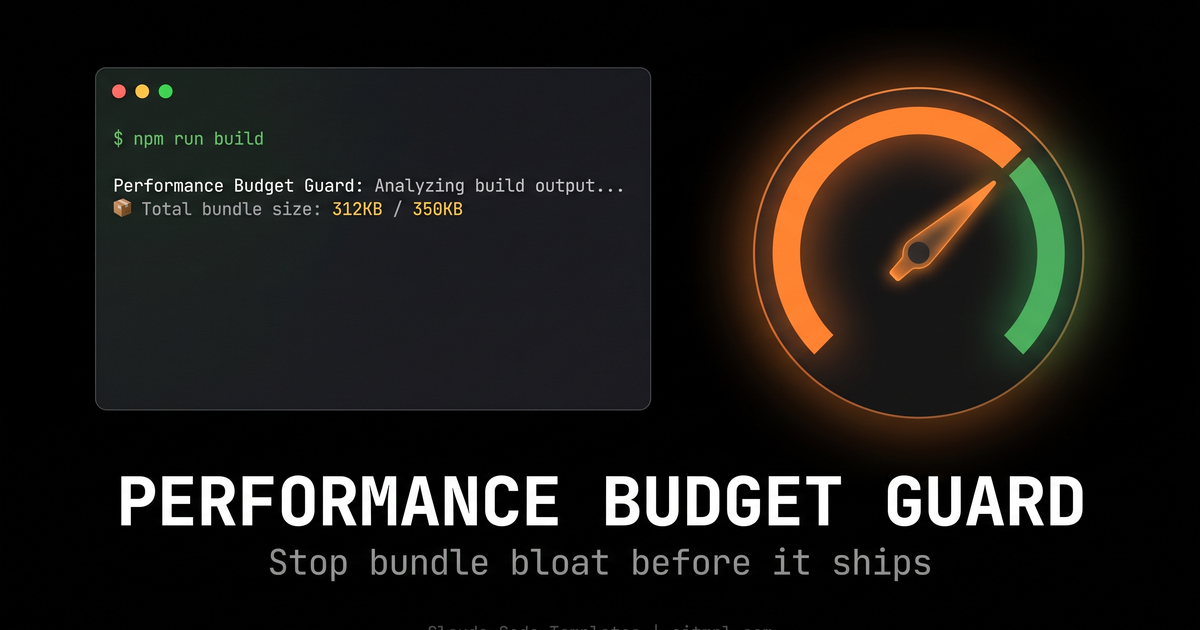
When the Bash matcher sees a successful npm run build, next build, vercel build, or yarn build, it looks for the .next/static/chunks output, sums up every JavaScript chunk, and compares the total against a 350KB budget:
📊 Performance Budget Guard: Analyzing build output...
📦 Total bundle size: 312KB

✅ Bundle size within budget: 312KB / 350KB
🎯 Remaining budget: 38KB
If the build exceeds the budget, the hook writes a detailed report to stderr and exits with code 2:
🚨 PERFORMANCE BUDGET EXCEEDED!
Current bundle size: 418KB
Budget limit: 350KB
Overage: 68KB

📋 Bundle Analysis:
-rw-r--r--  1 user  staff  142K  chunks/framework-a1b2c3.js
-rw-r--r--  1 user  staff   98K  chunks/main-d4e5f6.js
...

💡 Optimization recommendations:
• Use dynamic imports for large components
• Implement code splitting with next/dynamic
• Check for duplicate dependencies
• Optimize third-party libraries
• Run: npm run analyze for detailed bundle analysis
Exit code 2 on a PostToolUse hook can't undo the build that already ran, but Claude Code surfaces the stderr output straight back to Claude as feedback. In practice, that means Claude sees the overage and the exact list of oversized chunks in the same turn, and can immediately propose a fix — a dynamic import, a smaller dependency, a code-split route — instead of you having to notice the regression yourself later.
2. The File-Edit Check
The second hook runs on every successful Write, Edit, or MultiEdit that touches a JavaScript/TypeScript file (skipping anything in node_modules). It looks for four common red flags:
- Large files — over 100KB, a sign a component should be split
- Import overload — more than 15
importstatements at the top of one file - Wildcard imports —
import * as X from 'y', which defeats tree-shaking - Known heavy dependencies — full
moment.jsor non-scopedlodashimports instead oflodash/debounce-style imports
These checks are advisory (they print recommendations, they don't block), which makes sense: you don't want every edit to a large existing file to halt your workflow, but you do want Claude to see the warning in context and course-correct on the next pass.
The Hook Configuration
Here's the full hook definition installed into .claude/settings.json (trimmed for readability — the installed version is a single-line shell command):
{
  "hooks": {
    "PostToolUse": [
      {
        "matcher": "Bash",
        "hooks": [
          {
            "type": "command",
            "command": "bash -c '... check build output, compare against 350KB budget, exit 2 if exceeded ...'",
            "timeout": 30
          }
        ]
      },
      {
        "matcher": "Write|Edit|MultiEdit",
        "hooks": [
          {
            "type": "command",
            "command": "bash -c '... check file size, import count, wildcard imports, moment/lodash usage ...'",
            "timeout": 15
          }
        ]
      }
    ]
  }
}
Both hooks read the tool payload with jq, so make sure jq is available in your environment — it's preinstalled on most CI runners and dev containers.
BUDGET_LIMIT=350 value to match your project's actual performance budget before relying on it in CI.
Step-by-Step Workflow
Once installed, the hook works passively in the background. Here's what a typical session looks like:
Step 1: Install the hook
npx claude-code-templates@latest --hook performance/performance-budget-guardStep 2: Ask Claude Code to make a change
claude

> Add a rich text editor to the blog post form using the "react-quill" package
Step 3: The file-edit hook fires automatically
As Claude writes the new component, the Write|Edit|MultiEdit hook checks the file. If it added a wildcard import or an oversized file, Claude sees the warning right away and can clean it up in the same response.
Step 4: Run a build
> Now run npm run build to verify everything compilesStep 5: The build hook reports the bundle total
If the new dependency pushed the bundle over budget, Claude gets the exact overage and a ranked list of the largest chunks — and can propose swapping the heavy package for a lighter alternative or lazy-loading it with next/dynamic.
Extending the Hook
Because everything lives in one shell command inside .claude/settings.json, the budget guard is easy to adapt:
- Change
BUDGET_LIMIT=350to match your project's real target - Point the
.next/static/chunkslookup at a different build output directory for Vite, CRA, or other bundlers - Add more denylisted packages to the
grepchecks (e.g.date-fnsmisuse,@mui/materialfull imports) - Swap the 100KB file-size and 15-import thresholds for numbers that fit your codebase
Conclusion
Performance Budget Guard turns "we should really watch our bundle size" into something that actually happens on every build, without anyone remembering to run an analyzer manually. It costs nothing when everything is within budget, and the moment it isn't, Claude gets a precise, actionable report instead of you finding out from a slow page in production.
It pairs well with other automation-focused hooks and skills in the catalog — pull it in alongside a CI performance check for a workflow that catches regressions both locally and before merge.
Created by Daniel Ávila — @dani_avila7